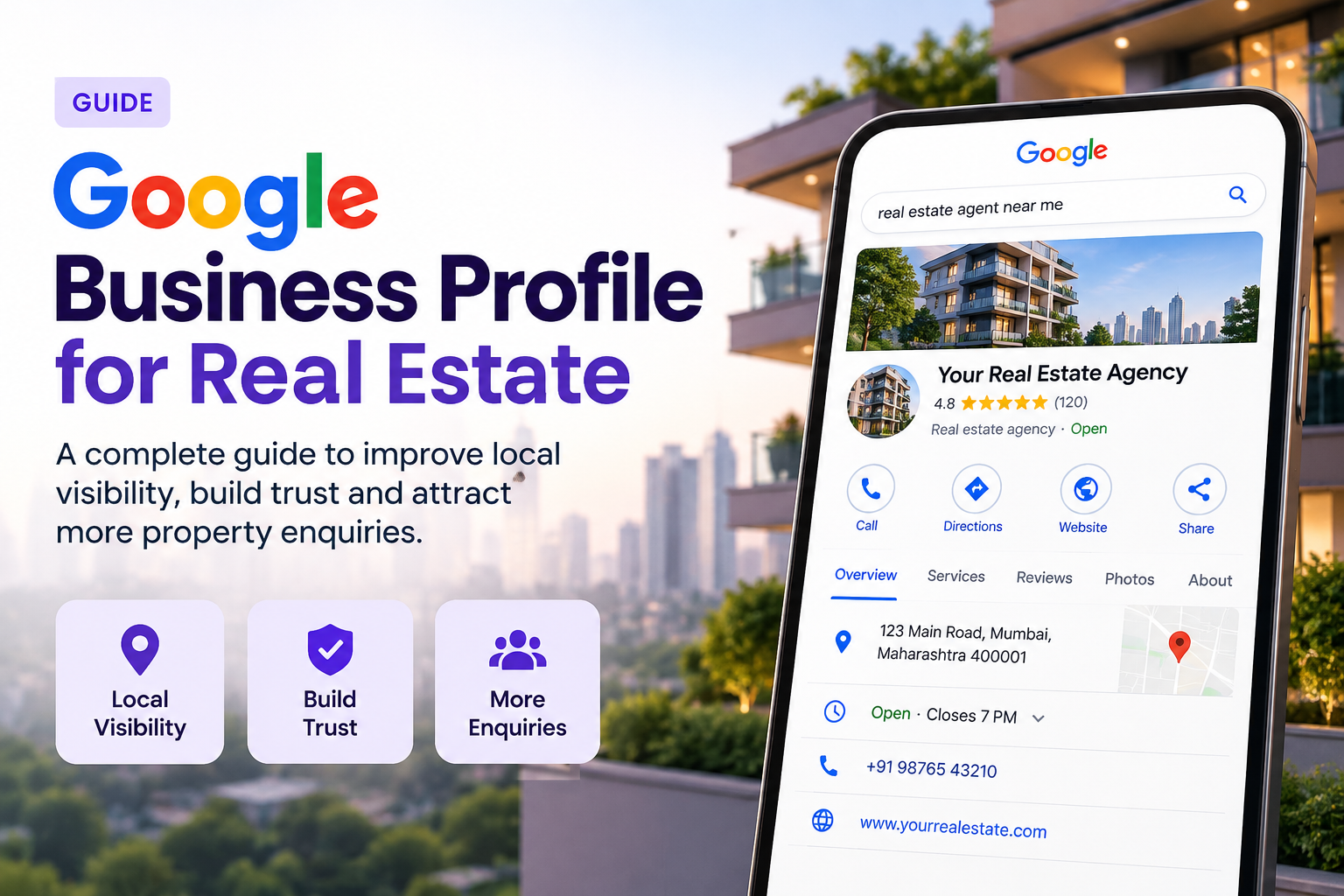
Optimising Your Google Business Profile for Real Estate
Most home buyers start their search online. They type “real estate agent near me” and look at the top three results. Those results come from Google Business Profile. If your profile is weak, you lose leads before they ever visit your website.
A strong Google Business Profile real estate setup builds trust fast. It shows your office, your reviews, your listings and your phone number in one place. This guide explains each step in simple terms, so you can act on it today.
Why Your Profile Matters So Much
Google shows local results in a map box above normal search results. This box gets a large share of clicks. People can call you, get directions or read reviews without leaving the page.
A complete profile will help Google trust your business. Google wants to ensure that it is showing real and accurate businesses. Having up-to-date information will help you rank higher in local searches so you get more calls and site visits.
Step 1: Claim and Verify Your Profile
Start by searching for your business name on Google. If a profile already exists, claim it. If not, create a new one at the Google Business Profile website.
Google will ask you to verify your business. You may get a postcard, a phone call, an email or a video check. Choose the method offered and finish it quickly. Until you verify, your profile stays hidden from most searchers.
Use your real business name. Do not add extra words such as “Best Realtor in Mumbai”. Google may suspend profiles that stuff keywords into the name.
Step 2: Pick the Right Categories
Your main category tells Google what you do. For most agents, “Real estate agency” works best. You can also add up to nine extra categories. Good options include:
- Real estate consultant
- Property management company
- Real estate developer
- Commercial real estate agency
- Apartment rental agency
Pick only the ones that match your services. Too many unrelated categories can confuse Google and weaken your ranking.
Step 3: Fill In Every Detail
Incomplete profiles lose to complete ones. Fill in each field with care. Check these items first:
Profile Field | What to Add | Why It Helps |
Name | Your exact business name | Builds trust and avoids penalties |
Address | Full office address | Helps Google place you on the map |
Service areas | Cities and neighbourhoods you cover | Brings in searches from nearby areas |
Phone number | One local number | Makes calling easy |
Website | Your main site or listings page | Sends ready buyers to your offers |
Hours | Regular and holiday hours | Stops missed visits and bad reviews |
Keep your name, address and phone number the same everywhere online. Match your website, social pages and directory listings. Mixed details make Google doubt your business.
Step 4: Write a Clear Business Description
You get 750 characters for your description. Use them well. Tell people who you are, what you sell and where you work. Mention your years of experience and your main property types.
Here is a simple example. “We help families buy, sell and rent homes in Virar, Vasai and Palghar. Our team has ten years of local experience. We handle flats, villas and plots with honest advice and clear pricing.”
Add your main keywords in a natural way. Do not repeat them again and again. Write for people first and search engines second.
Step 5: Add Strong Photos and Videos
Photos are the first thing buyers notice. Profiles with many photos get more calls and direction requests. Upload clear, bright images often. Add these types:
- Your office front and inside
- Your team at work
- Your best property shots
- Local landmarks and neighbourhoods
- Short walkthrough videos of listings
Avoid blurry or dark pictures. Use your phone in good daylight if you do not have a camera. Add new photos each week to show your profile is active.
Step 6: Show Your Services and Listings
Use the Services section to list what you offer. Include buying, selling, renting, valuation and property management. Write a short line under each one. Explain what the client gets and how you help.
The Products section can show featured properties. Add a photo, a price range and a link to the full listing. This turns your profile into a small shop window for your best homes.
Step 7: Collect and Answer Reviews
Reviews are the biggest trust signal in real estate. Buyers spend a lot of money and want proof you are reliable. Ask every happy client for a review right after the deal closes.
Make it easy. Send your review link by text or email. Keep your request short and polite. Never pay for reviews or write fake ones. Google can remove them and punish your profile.
Reply to every review. Thank people who praise you and mention a detail from their deal. For bad reviews, stay calm. Say sorry, offer a fix and move the chat offline. Future buyers read your replies, so a kind tone wins them over.
Step 8: Post Updates Every Week
Google lets you share posts on your profile. Use them to show new listings, open house dates, market tips and offers. Each post stays visible for a short time, so post often.
Try this simple weekly plan:
- Monday: share a new listing
- Wednesday: post a market tip or price update
- Friday: announce a weekend open house
Add a clear button such as “Call now” or “Learn more”. Use a real photo with each post. This keeps your profile fresh and gives people a reason to act.
Step 9: Use Questions and Messages
The Q&A section lets people ask you things in public. Add your own common questions and answers first. Cover topics like fees, documents and viewing times. This saves time and shows you know your work.
Turn on messaging if you can reply within a few hours. Slow replies hurt your image. If you cannot reply fast, keep messaging off.
Step 10: Track Your Results
Google gives you insights for free. Check how many people viewed your profile, called you or asked for directions. See which search words bring people in. Review these numbers each month.
If calls drop, check your photos, reviews and posts. If views are high but calls are low, improve your description and buttons. Small changes can lift your results quickly.
Common Mistakes to Avoid
Mistake | Better Approach |
Keyword stuffing in the name | Use your real business name |
Old or missing hours | Update hours for every holiday |
Ignoring reviews | Reply to each one within two days |
Posting rarely | Share at least one post each week |
Using stock photos only | Upload real photos of your work |
When to Get Expert Help
Managing a profile takes steady effort. Many agents are busy with clients and cannot keep up. A real estate marketing agency can handle posts, photos, reviews and reports for you. It also tracks results and fixes problems fast.
If you want local growth, pick a marketing agency for real estate that knows your market. Ask for past results and sample reports. Choose a team that explains its work in plain words and shares clear numbers.
Final Thoughts
A well-built profile works for you day and night. It builds trust, brings calls and fills your calendar with viewings. Start with the basics. Claim your profile, fix your details and add good photos. Then ask for reviews and post each week.
Stay patient and consistent. Local rankings grow over time, not overnight. Follow these steps and your Google Business Profile real estate presence will stand out. More buyers and sellers will find you first.