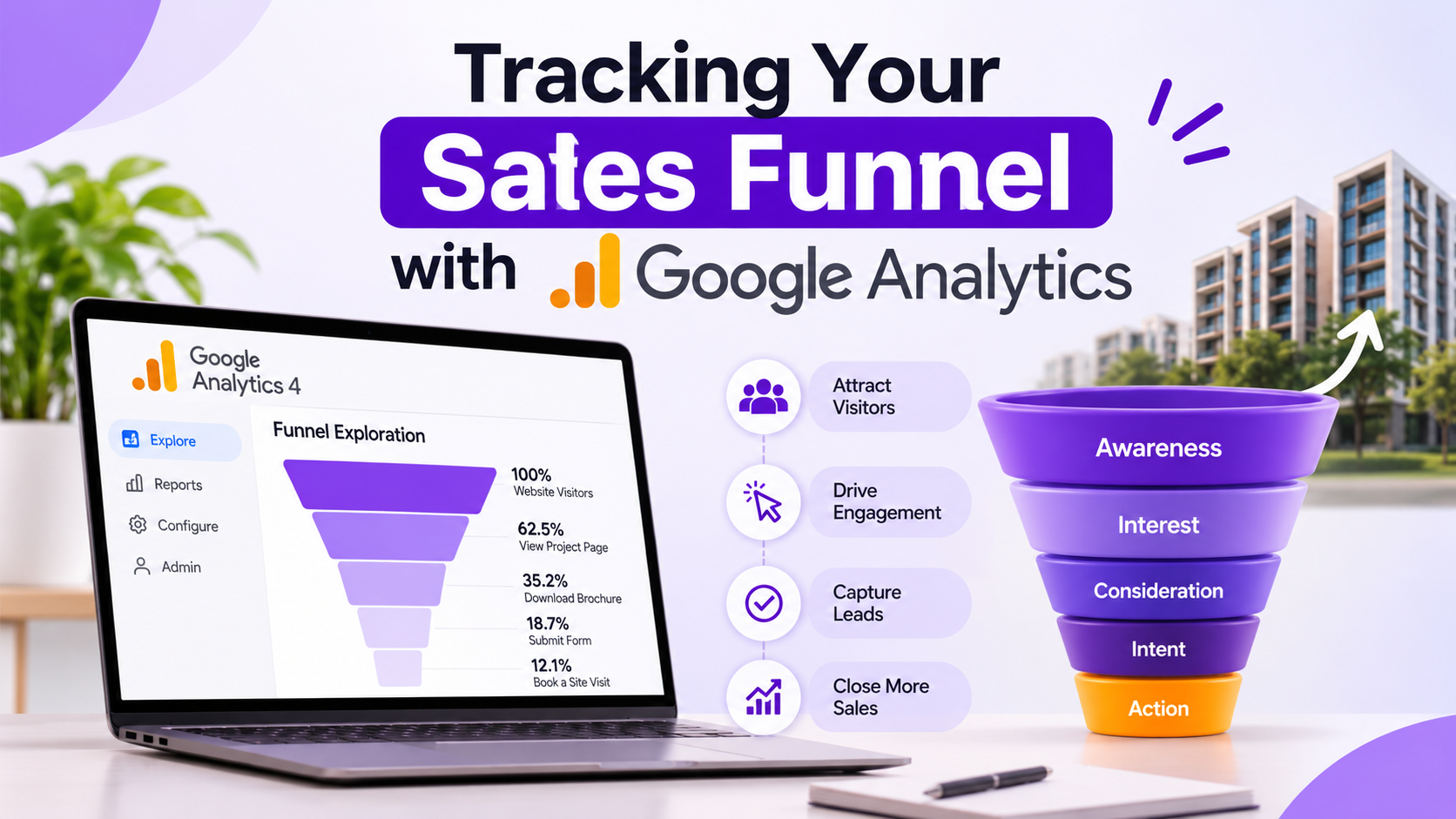
Tracking Your Sales Funnel with Google Analytics
Every business wants more sales. Few know where they lose buyers along the way. A sales funnel shows the steps a person takes before they buy. Google Analytics shows you how many people reach each step and where they leave.
This guide explains the process in plain steps. You will learn how to set it up and read the data. You will also learn how to act on what you find.
Why Funnel Tracking Matters
Many owners only watch total visits. That number looks nice, but it hides the real story. Ten thousand visitors mean little if only five of them send an enquiry.
Funnel tracking shows you the full path. You see who arrives, who shows interest, and who takes action. Then you can fix the weak step instead of guessing.
A real estate marketing agency uses this method every day. Property buyers take weeks or months to decide. They visit a site many times before they call. Without tracking, you cannot tell which visit led to a sale.
Map Your Funnel Stages First
Do this before you open any tool. Write down each step a buyer takes. Keep the list short and clear.
Here is a simple example for a property business:
Funnel Stage | What the Buyer Does | What You Track |
Awareness | Finds your site from search or ads | Sessions, traffic source |
Interest | Views project pages and photos | Page views, time on page |
Consideration | Opens the price list or floor plan | File downloads, button clicks |
Intent | Fills in a contact form | Form submissions |
Action | Books a site visit or calls | Booked visits, call clicks |
This table works as your blueprint. Each row will become something you measure in Google Analytics.
Set Up Google Analytics 4 the Right Way
Google Analytics 4 is the current version. It tracks actions as “events.” An event can be a page view, a click, or a form send.
Follow these steps:
- Create a Google Analytics account and add your website as a property.
- Install the tracking tag on every page. Google Tag Manager makes this easy.
- Turn on enhanced measurement. It tracks scrolls, file downloads, and outbound clicks for you.
- Confirm that data flows in. Use the Realtime report and open your own site.
Test everything before you trust it. A broken tag gives you wrong numbers, and wrong numbers lead to bad choices.
Track the Key Events That Matter
Basic tracking does not cover everything. You must set up custom events for your own goals. These events match the stages in your funnel.
Good events to track include:
- Clicks on the “Call Now” button
- Clicks on the WhatsApp chat link
- Brochure or floor plan downloads
- Contact form submissions
- Site visit booking confirmations
Once an event works, mark it as a key event in GA4. Key events are the actions that count as wins. Google Analytics will then report how often they happen and where they come from.
Name your events in a clear way. Use names like “form_submit” or “brochure_download.” Simple names help your whole team read the reports.
Use UTM Tags to Know Your Traffic Source
You need to know where each visitor came from. UTM tags make this possible. They are small pieces of text you add to the end of a link.
A tag has three main parts:
- Source: where the click came from, such as Facebook or Google
- Medium: the type of channel, such as paid or email
- Campaign: the name of your offer or project
Add these tags to every ad, email, and social post. Then Google Analytics can show which campaign brought real enquiries. You will see that some channels bring visits while others bring buyers. That insight saves money.
A marketing agency for real estate often runs ads on many platforms at once. UTM tags let the agency compare them fairly. The best channel is the one that brings leads, not just clicks.
Build a Funnel Exploration Report
Now you can see the funnel itself. Google Analytics 4 has a tool for this. It sits in the Explore section.
Here is how to build one:
- Open Explore and choose Funnel exploration.
- Add each stage as a step. Use the events you set up earlier.
- Pick the order of the steps. For example, project page view, brochure download, form submit.
- Choose a date range, such as the last 30 days.
- Apply the report and read the results.
The report shows how many people reach each step. It also shows the drop-off between steps. A big drop tells you where buyers lose interest.
You can split the funnel by device, city, or traffic source. This split often reveals hidden problems. Mobile users may leave at the form, while desktop users finish it.
Find and Fix the Weak Spots
Data only helps when you act on it. Look at the largest drop first. Then ask why people leave at that point.
Here are common problems and simple fixes:
Problem | Likely Cause | Fix |
Many visitors, few project page views | Weak ad message or slow site | Match ad text to page content and speed up loading |
Many views, few downloads | Unclear next step | Add a clear brochure button near the top |
Many downloads, few forms sent | Long or confusing form | Cut the form to name, phone, and email |
Many forms, few site visits | Slow follow-up | Call new leads within one hour |
Change one thing at a time. Then wait and check the report again. This way you know which change worked.
Build a Real Estate Funnel in Google Analytics
A real estate funnel Google Analytics setup needs a few extra touches. Property sales take longer than most. Buyers also compare many projects before they choose.
Keep these tips in mind:
- Use a longer date range, such as 60 or 90 days.
- Track phone calls. Many buyers call instead of filling in a form.
- Connect your CRM, so you can match leads to final sales.
- Watch repeat visitors. A buyer who returns three times is a warm lead.
- Set up remarketing lists for people who viewed a project but did not enquire.
These steps give you a full picture. You can see the first click and the final sale. You can also work out the true cost of each customer.
Check Your Funnel Every Week
Tracking is not a one-time task. Set a weekly time to review your reports. Thirty minutes is enough.
Look at three things each week. Check the total leads, the drop-off at each stage, and the best traffic sources. Write short notes on what you learned. Over a few months, you will spot clear patterns.
Final Thoughts
A sales funnel gives structure to your marketing. Google Analytics gives that structure real numbers. Together they show you where buyers come from, where they stall, and where they say yes.
Start small. Map your stages, set up your events, and build one funnel report. Then fix the biggest drop-off and measure again. Each small gain adds up to more leads and more sales.
If you want expert help, a skilled real estate marketing agency can set this up for you. It can also read the data and improve your campaigns month after month. The goal stays simple: know your buyers, serve them well, and grow with confidence.